 Create Your Own
1
Download the GIBS App
Get started by downloading the GIBS app from the App Store. It's free and easy to set up.
2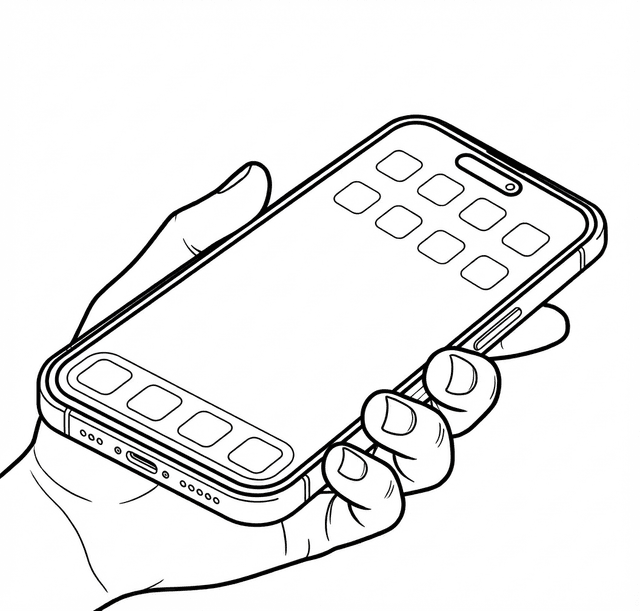
Take Screenshots
Capture screenshots of anything you want to save - movies, music, books, places, recipes, and more. GIBS automatically organizes them into categories.
Pro Tip: Enable Background Sync to seamlessly add your finds to your library
3
View Your Library
Browse your digital library organized by category. Share your favorites with friends and discover what others are collecting.
Ready to explore? Browse public libraries to discover what others are collecting.